
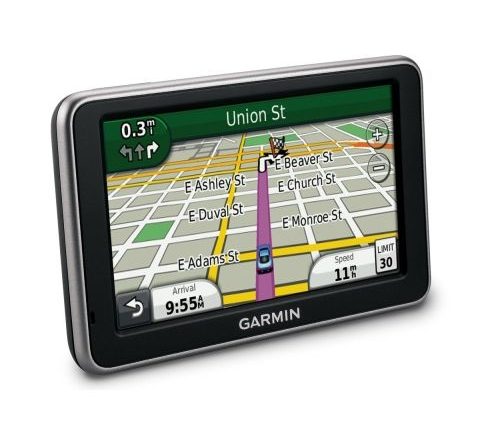
Navigation system Garmin Nuvi 2450 – Full Europe maps + Free Lifetime Update – Specifications
Getting Life Code Map Update (LMU) and install the latest maps available on your product:
1. Www.garmin-activation.ro join and register your product by entering the requested data.
You will receive email LMU code (life map update – update on life)
2. Install the latest available versiuini the map:
Access www.mygarmin.com to update preinstalled maps on Garmin product you own, this website will create an account with your
In the HOME tab> myProducts, register your product by clicking Register.
Also in HOME tab, click Manage Maps, and select Activate Gift Card You enter your product code corresponding LMU. Click Continue and follow the steps to download and update map.
3. Important:
It is necessary for your Garmin product is connected to the computer via a USB cable.
You can only update the preinstalled map navigator Garmin acquired. For example: If your Garmin product purchased with Central and Eastern Europe map pre-installed you can update only for Central and Eastern
Are available until April version update per year.
Garmin Nuvi 2450 Specifications:
| Specification: | Use: | Car |
| Processor: | CPU Frequency (MHz): | 403 |
| Memory: | Memory slot: | MicroSD |
| Display: | Display Type: | TFT |
| Resolution: | 480 x 272 | |
| Diagonal display: | 5.0 inch | |
| Software: | Map: (optional) | Full Europe |
| Dimensions: | Dimensions (W x H x D mm): | 137 x 83 x 15 |
| Weight (g): | 192 | |
| Battery | Type: | Li-Ion |
| Battery Life: | Up to 3 hours | |
| Audio-Video: | View photo: | Yes |
| Other: | Special Features: | Function: Trip planner |
| Function: myTrends | ||
| Function: Junction View | ||
| Function: Lane Assist |